

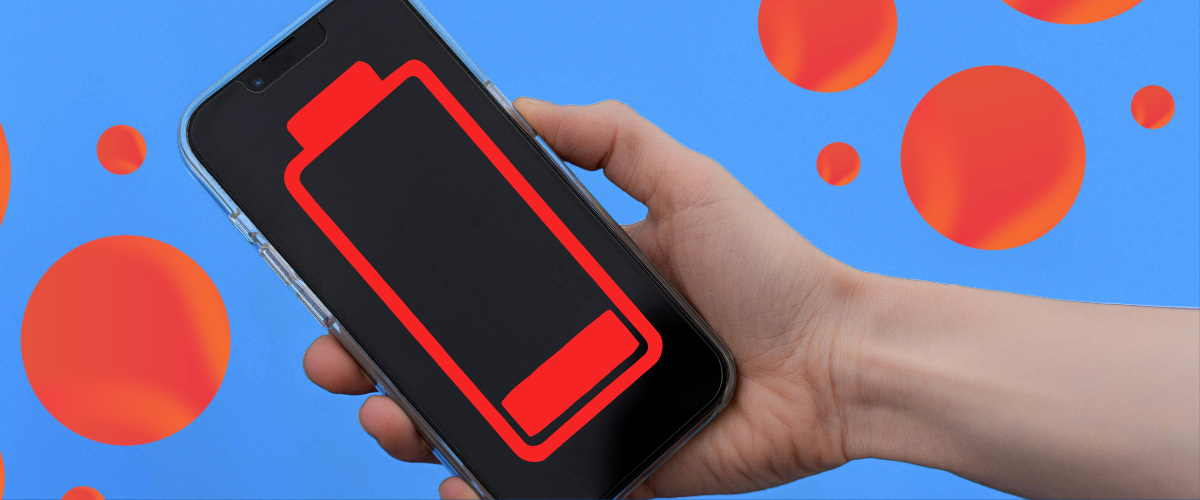
Have you ever charged your phone to 100% in the morning, only to see the battery dropping rapidly by afternoon? If your phone battery drains fast, you are not alone. Battery drain is one of the most common problems faced by smartphone users.
Sometimes the reason is simple, such as high screen brightness or too many apps running in the background. In other cases, an aging battery, poor network connection, or a software issue may be responsible.
The good news is that you can often improve your phone’s battery life by changing a few settings and habits.
— YOUR 1 STEP COMPLETED NOW —
——– SCROLL DOWN AND GET YOUR PROMPT ———
In this guide, we’ll explain the most common reasons why your phone battery drains so fast and what you can do to fix it.
1. Your Screen Brightness Is Too High
Your smartphone display is one of the biggest consumers of battery power. Keeping the brightness at maximum for long periods can cause your battery to drain much faster.
What to do:
- Reduce screen brightness manually.
- Turn on adaptive or automatic brightness.
- Reduce your screen timeout.
- Use dark mode if your phone has an OLED or AMOLED display.
You don’t need your screen at maximum brightness all the time. A comfortable, moderate brightness level can make a noticeable difference.
2. Too Many Apps Are Running in the Background
Some applications continue working even when you aren’t actively using them. They may check for new messages, synchronize data, track your location, or send notifications.
Social media, navigation, shopping, streaming, and messaging apps can be particularly active.
What to do:
Go to your phone’s Battery settings and check which apps are using the most power.
If an app is consuming an unusually large amount of battery, consider:
- Restricting its background activity
- Disabling unnecessary notifications
- Turning off background refresh where available
- Uninstalling apps you rarely use
Don’t force-close every app constantly, though. Modern smartphones are generally designed to manage background applications efficiently.
3. Poor Mobile Network Signal
This is a surprisingly common reason for fast battery drain.
When your phone has a weak cellular signal, it may work harder to maintain a connection with the network. If you spend a lot of time in areas with poor reception, your battery can disappear faster than usual.
What to do:
If you are somewhere with extremely poor reception and don’t need cellular connectivity, you can temporarily use Airplane Mode.
When Wi-Fi is available, connecting to a reliable Wi-Fi network may also reduce the phone’s reliance on a weak mobile signal.
4. Location Services Are Always On
GPS and location services can consume additional power, particularly when apps frequently request your location.
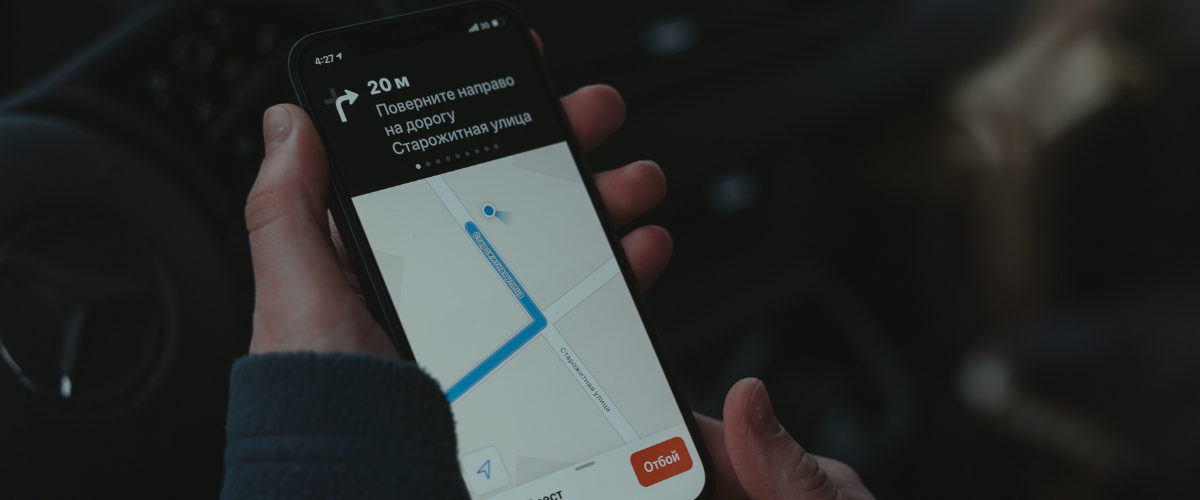
You may have several applications with permission to access your location even when you aren’t actively using them.
What to do:
Review your location permissions and change unnecessary apps to options such as:
“While using the app”
instead of allowing continuous access.
Only give background location access to apps that genuinely need it.
5. Your Phone Is Too Hot
Heat can have a significant impact on smartphone battery performance. Using your phone while charging, playing demanding games for long periods, leaving it in direct sunlight, or using resource-intensive applications can cause the device to become hot.
A hot phone can temporarily lose battery faster and repeated exposure to high temperatures can contribute to battery aging.
What to do:
- Keep your phone away from direct sunlight.
- Avoid unnecessary heavy usage while charging.
- Remove thick cases temporarily if your phone is overheating.
- Give the device time to cool down naturally.
Never deliberately cool an overheated phone using extreme methods such as putting it in a refrigerator or freezer.
6. Your Battery Is Getting Old
Smartphone batteries don’t last forever.
Most modern phones use lithium-ion or lithium-polymer batteries, which gradually lose their ability to hold a full charge after repeated charging cycles.
If your phone is several years old and the battery percentage falls quickly, battery degradation may be the main reason.
What to do:
Check your phone’s Battery Health or Battery Information section if your device provides one.
If the battery health is significantly degraded, replacing the battery through a reliable or authorized repair provider may restore much of the phone’s original battery performance.
7. Push Notifications Are Draining Your Battery
Notifications don’t usually consume huge amounts of battery individually, but receiving hundreds of unnecessary notifications throughout the day can contribute to battery usage.
Every notification can wake your screen, use network activity, and sometimes trigger background processes.
What to do:
Go through your notification settings and disable notifications you don’t need.
Keep important notifications such as calls, messages, banking alerts, and other essential services enabled.
8. Your Phone Software May Need an Update
Sometimes battery drain is caused by software bugs or inefficient processes.
Phone manufacturers regularly release updates that can improve performance, fix bugs, and address battery-related issues.
What to do:
Check your phone’s software update section and install official updates when they are available.
You should also keep frequently used apps updated through your device’s official app store.
9. Widgets and Live Wallpapers Can Use Extra Power
Animated wallpapers, constantly updating widgets, and other visual effects can require additional processing and background activity.
Individually, these features may not cause dramatic battery drain, but several power-hungry features together can make a difference.
What to do:
Remove widgets you don’t actually use and consider switching from animated wallpapers to a simple static wallpaper.
10. A Problematic App May Be the Culprit
Sometimes one poorly optimized or malfunctioning application can consume an unusual amount of battery.
If your phone battery suddenly started draining fast, think about whether you recently installed or updated an app.
——– SCROLL DOWN AND GET YOUR PROMPT ———
What to do:
Open your battery usage page and look for unusual activity.
If one application is consuming an unreasonable amount of power:
- Update the app.
- Restart your phone.
- Clear its cache if appropriate.
- Restrict its background activity.
- Uninstall and reinstall it if the problem continues.
If the problem started immediately after installing an app, removing that app can help identify the cause.
Quick Tips to Improve Phone Battery Life
If you want better battery life without changing too many settings, start with these simple steps:
- Lower your screen brightness.
- Use automatic brightness.
- Reduce screen timeout.
- Turn off Bluetooth when you don’t need it.
- Turn off unnecessary location access.
- Disable unnecessary notifications.
- Use Battery Saver or Low Power Mode when needed.
- Keep your phone software updated.
- Avoid excessive heat.
- Remove apps you don’t use.
- Check battery usage regularly.
- Use a reliable charger and cable.
When Should You Replace Your Phone Battery?
If your phone is relatively old and the battery drains extremely quickly even after changing settings, the battery itself may be worn out.
Signs that you may need a battery replacement include:
- Battery percentage drops unusually quickly.
- Phone shuts down even when the battery percentage is not very low.
- Battery health is significantly degraded.
- The phone becomes unusually hot during normal use.
- Battery performance has noticeably declined over time.
If you notice battery swelling, a lifted screen, smoke, unusual odor, or extreme overheating, stop using the device and seek professional assistance. Do not attempt to puncture or open a swollen battery.
Final Thoughts
A phone battery draining fast doesn’t always mean that your smartphone is defective. Screen brightness, background apps, weak network signals, location services, heat, notifications, software problems, and battery age can all affect battery life.
The best approach is to check your phone’s battery usage first. Identify which apps and features are consuming the most power, then make targeted changes rather than disabling everything.
If the battery is old or physically damaged, software adjustments may not be enough. In that situation, getting the battery professionally inspected or replaced can be a better solution.
With a few simple changes and regular battery monitoring, you can often extend phone battery life and get more hours of use from your smartphone every day.
Frequently Asked Questions (FAQs)
1. Why is my phone battery draining so fast?
Common causes include high screen brightness, background apps, weak network signals, location services, excessive notifications, overheating, software problems, and an aging battery.
2. How can I stop my phone battery from draining quickly?
Start by reducing screen brightness, limiting background activity, disabling unnecessary notifications and location permissions, using Battery Saver when needed, and checking which apps consume the most battery.
3. Does dark mode save battery?
Dark mode can reduce power consumption on phones with OLED or AMOLED displays because individual pixels can be turned off when displaying black. The benefit may be smaller on LCD screens.
4. Does charging your phone overnight damage the battery?
Modern smartphones include charging-management systems designed to reduce the risks associated with prolonged charging. However, keeping a phone exposed to heat for long periods can contribute to battery aging. Using reliable charging equipment and avoiding excessive heat is recommended.
5. Why does my phone battery drain overnight?
Possible reasons include background apps, notifications, poor cellular reception, location services, synchronization, or a battery that has significantly degraded.
6. How do I find out what is draining my phone battery?
Open your phone’s Battery or Battery Usage settings. Most modern smartphones show which apps and system features have consumed the most power over a selected period.
7. Can a software update fix battery drain?
Yes. If battery drain is caused by a software bug or poorly optimized system process, a legitimate software update may resolve the problem. However, an old or damaged battery will not be fixed by a software update.
8. When should I replace my phone battery?
Consider professional battery inspection or replacement when the battery has significantly degraded, the phone shuts down unexpectedly, battery life has become very poor, or the device shows other signs of battery failure.
One thought on “Why Your Phone Battery Drains So Fast”